Connecting the COM Connector
 Qualified person
- Disconnect the AC miniature circuit breaker from all 3 line conductors and secure against reconnection.
- Ensure that the DC load-break switch has been switched off and secured against reconnection.
- Ensure that the battery is switched off.
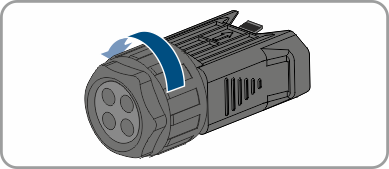
- Unscrew the swivel nut from the threaded sleeve of the COM connector.
- Remove the terminal from the threaded sleeve.
- Connect the CAN communication cable Connecting CAN communication cable.
- Connect signal source to digital input Connecting Signal Source to Digital Input.
- Connect the display device or external fan to the multifunction relay Connecting the Multifunction Relay.
- Ensure that all conductors are plugged into the terminal points tightly by pulling slightly on the conductors.
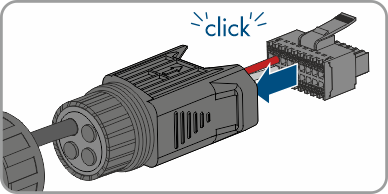
- Insert the terminal into the threaded sleeve. The terminal must snap audibly into place.
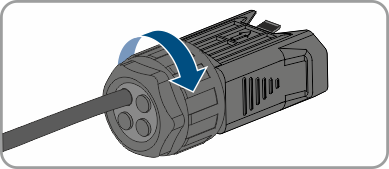
- Tighten the swivel nut.
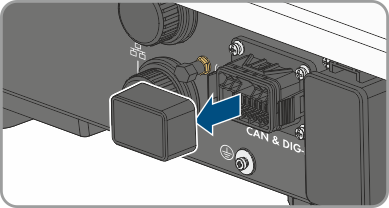
- Remove the protective cap from the CAN & DIG-I/O socket.
- Insert the connector for battery communication connection into the CAN & DIG-I/O socket. The connector must snap audibly into place on both sides.