
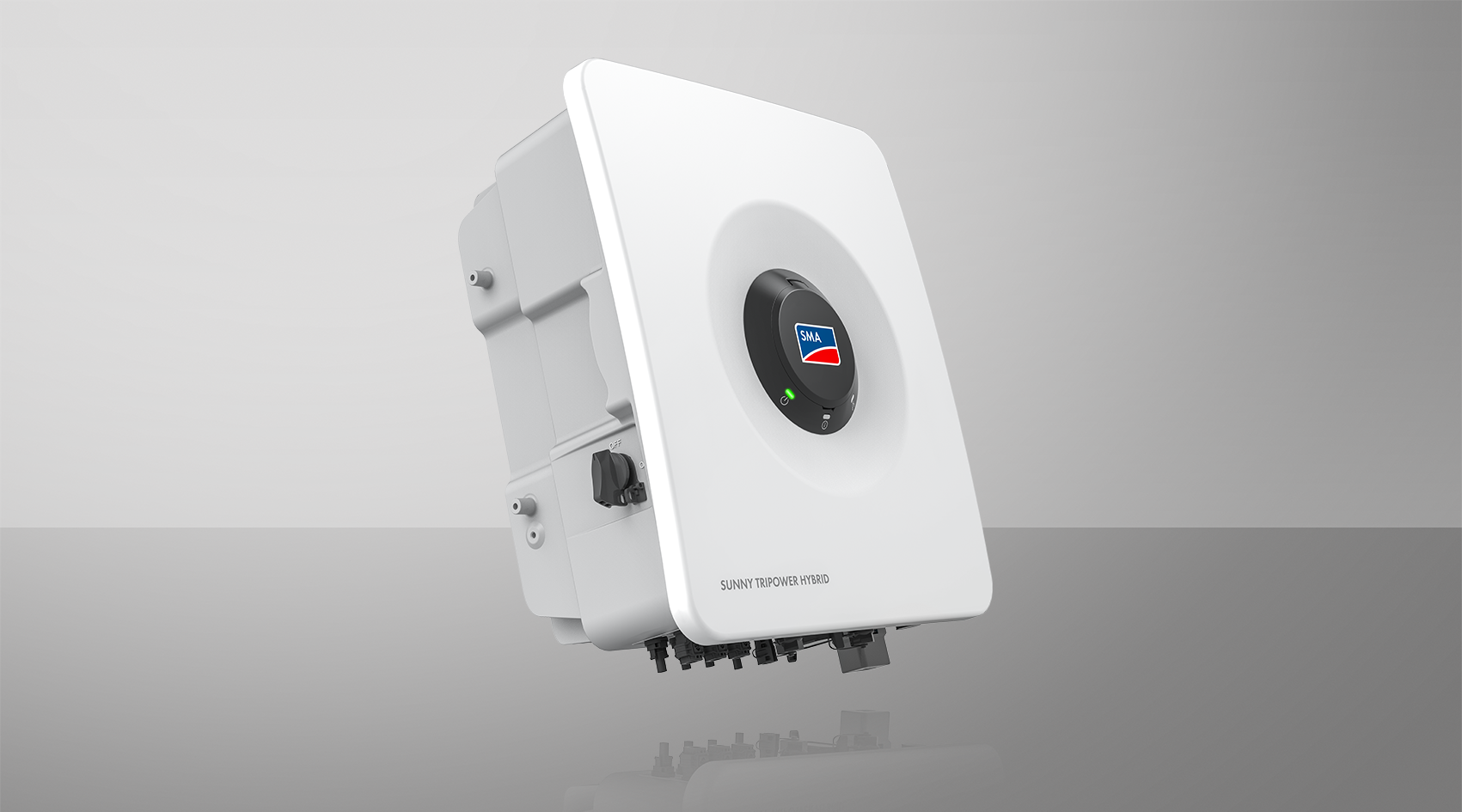
Operating manual
SUNNY TRIPOWER HYBRID X 5 / 6 / 8 / 10 / 12 / 15
STPH5-60 / STPH6-60 / STPH8-60 / STPH10-60 / STPH12-60 / STPH15-60
- Information on this Document
- Safety
- Scope of Delivery
- Product overview
- Device function
- Product Description
- Symbols on the Product
- Sunny Tripower Hybrid X as System Manager
- Interfaces and Functions
- User Interface
- Device Key (DEV KEY)
- Diagnostic function
- Digital inputs
- Increased self-consumption
- Energy Monitoring
- SMA Premium
- Energy Maximizer
- Energy Planner
- Peak load shaving
- Modbus
- Multifunction relay (MFR)
- Grid Management Services
- Battery-backup function
- Secure Power Supply Operation
- Fast stop function
- Protective Battery Charging
- SMA ArcFix
- SMA PUK 2.0
- SMA Dynamic Power Control
- SMA ShadeFix
- SMA Smart Connected
- SMA Speedwire
- Wi-Fi connection to SMA 360° app and SMA Energy app
- Wi-Fi
- User Interface
- LED Signals
- Device function
- Mounting
- Electrical Connection
- Requirements for the electrical connection
- Permitted grid configurations
- Equipotential Bonding
- Residual-current monitoring unit (RCMU)
- Overvoltage category
- Requirements for the PV modules per input
- Load-break switch and cable protection
- Cable Requirements
- AC cable requirements
- Requirements for the PV cables
- Requirements for signal cables for backup operation, multifunction relay (MFR), and fast stop
- Requirements on the SPS OUT AC cable for connection to the inverter
- Network cable requirements
- Battery Communication Cable Requirements
- Requirements for the Battery Power Cables
- Requirements for the grounding cable for additional protective grounding
- Permitted grid configurations
- Overview of the Connection Area
- Electrical connection procedure
- DC connection
- Connection of batteries
- Electrical Connection Procedure for a Single Battery
- Assembling the DC Connectors (MC4)
- Connecting the Battery Communication for SMA Home Storage and SMA Storage M
- Connecting the power cable of the battery
- PIN assignment battery communication on Multi I/O
- Connecting the battery communication to Multi I/O
- Electrical Connection Procedure for a Single Battery
- Connecting the Inverter to the Utility Grid
- Connecting the external protective grounding
- Connecting the Network Cables
- Mounting the WLAN Antenna
- Connection for Active Power Limitation
- Terminal for digital fast-stop input
- Connection to the Multifunction Relay
- Connection for Backup Operation
- Requirements for the electrical connection
- Commissioning
- Operation
- Disconnecting the Inverter from Voltage Sources
- Maintenance
- Troubleshooting
- Event messages
- Event 101
- Event 102
- Event 103
- Event 105
- Event 202
- Event 203
- Event 206
- Event 301
- Event 302
- Event 401
- Event 404
- Event 501
- Event 507
- Event 601
- Event 701
- Event 901
- Event 1001
- Event 1101
- Event 1302
- Event 1501
- Event 3302
- Event 3303
- Event 3401
- Event 3402
- Event 3407
- Event 3410
- Event 3411
- Event 3501
- Event 3523
- Event 3601
- Event 3701
- Event 3901
- Event 3902
- Event 4013
- Event 4014
- Event 4015
- Event 4016
- Event 4017
- Event 4301
- Event 6001-6499
- Event 6501
- Event 6502
- Event 6509
- Event 6511
- Event 6512
- Event 6602
- Event 6606
- Event 6633
- Event 6801
- Event 6901
- Event 7001
- Event 7002
- Event 7014
- Event 7015
- Event 7702
- Event 7703
- Event 8003
- Event 8104
- Event 8205
- Event 8503
- Event 8708
- Event 8709
- Event 8710
- Event 9007
- Event 9037
- Event 9101
- Event 9102
- Event 9107
- Event 9202
- Event 9203
- Event 9308
- Event 9342
- Event 9345
- Event 9350
- Event 9394
- Event 9395
- Event 29252
- Event 29254
- Event 101
- Calculating the insulation resistance
- Checking the PV System for Ground Faults
- Manual restart after electric arc
- Create Diagnostics Data
- Event messages
- Decommissioning
- Replacing the Product
- Disposal
- Technical Data
- General Data
- DC input of PV
- Battery DC input
- AC Output
- Digital inputs
- Efficiency
- Digital output, multifunction relay
- Communication
- Protective devices
- Data Storage Capacity
- Climatic Conditions
- SPS output (secure power supply operation) during off-grid mode
- Backup output (battery-backup operation) during off-grid mode (only applies to System Manager)
- General Data
- EU Declaration of Conformity
- Contact