Adding Further Members to Access Group

You can either obtain the token UID from the local whitelist of the charging station (for the RFID cards already supplied), or you can read the UID using a suitable smartphone app.
Procedure:
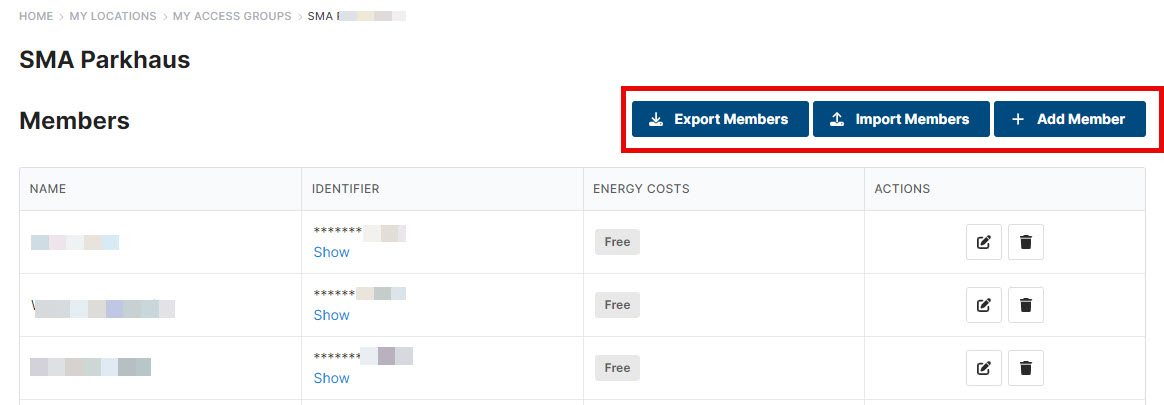
- Select the corresponding access group in the menu under My Locations > My Access Groups.
- Add further members under [Add member]. Or select a CSV file under [Import members].
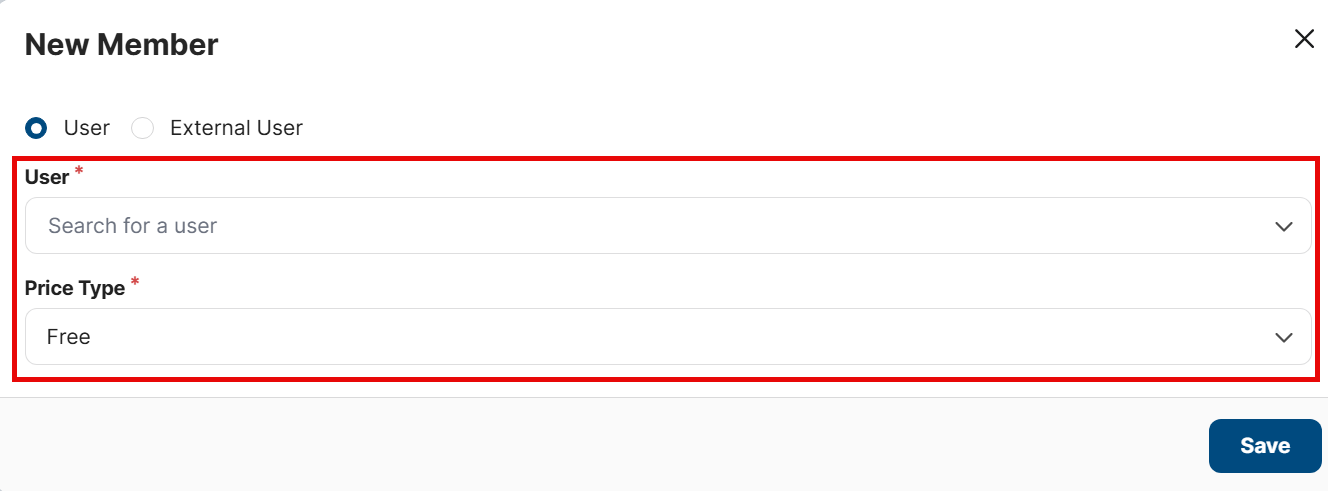
- Under [Price Type], select either Free or Custom. If the selection is Custom, add a custom price.
This price will not be billed, rather it will only be displayed in the Excel export. However, it will overwrite the price stored in the charging station in the Excel display. - The select [Save].